Help
Answers to common questions about Pollinate. Tap a question to see its answer.
About Pollinate
What is Pollinate?
Pollinate is an app that suggests short play ideas you can fit into an ordinary day, often using everyday household items. It's made for parents and caregivers of children aged 13 to 48 months.
Each idea has simple steps, an easier version and a next version, and a few tips. You stay in charge: save the ideas you like, skip the ones that don't fit today, and share quick feedback on how an idea went. Pollinate uses that feedback to choose what to suggest next. Feedback is about how an idea fit your day; it's never a judgment of your child.
Who is Pollinate for?
Pollinate is for parents and caregivers aged 18 or older — the adults in a child's life — who look after children aged 13 to 48 months. It isn't designed for children to use.
What kinds of play does Pollinate suggest?
Ideas come in four kinds of play: Talk, Move, Think and Connect. Each idea has simple steps, an easier version and a next version, and a few tips.
How does Pollinate work?
- Choose your child's age range and answer a few questions about play.
- See a few play ideas picked for your child's age range.
- Try what fits, save your favorites and tell Pollinate how it went.
Does Pollinate test, score or diagnose my child?
No. Pollinate doesn't grade or compare children, and there are no right or wrong answers. It offers general play ideas. It isn't medical, therapeutic or other professional advice, and it doesn't evaluate or diagnose any child.
For questions about your child's health or development, talk with your pediatrician or another qualified professional.
Who makes Pollinate?
Pollinate is made by Pollinate LLC, based in Indiana, USA. It was started by its founder, Tom, who wanted parents and caregivers to have an easy way to find simple, real-world play for the small moments of an ordinary day. He's building it step by step, with feedback from the families who test it.
Getting Pollinate
Can I download Pollinate?
Not yet. Pollinate is being tested with a small group of invited families and isn't available for public download yet.
How much does Pollinate cost?
Testing is free for the invited families taking part. Future pricing hasn't been set.
What ages is Pollinate for?
Pollinate's play ideas are for parents and caregivers of children aged 13 to 48 months.
I have more than one child. Can I use Pollinate for all of them?
The current test version is built around one child at a time.
Using the app
How often do I need to use Pollinate?
Whenever suits you. There's no daily log and nothing to keep up with.
What if an idea doesn't fit our day?
Skip it. Pollinate is built for you to save the ideas you like and skip the ones that don't fit today. You know your child best: skip or change any idea that doesn't suit your child, your space or the moment.
Why was this idea suggested?
Each idea card has a short note explaining why it was picked, based on your child's age range and what you told Pollinate.
Why did my suggested ideas change?
Suggestions adapt as you use Pollinate and share quick feedback, such as whether an idea was a hit or didn't fit. Nothing is broken. The test version has a small set of ideas, so later suggestions may sometimes feel similar.
What does "Show easier ideas" do?
It asks for simpler ideas, to match the day or the mood. It's your control, not a judgment about your child. Because the test version has a small set of ideas, the list may not change much.
What does "Show a different kind of play" do?
It asks for ideas from another kind of play. If there isn't a different set to offer, Pollinate tells you.
What does "This doesn't feel right for us — hide it" do?
It hides that idea from the next set and tries to offer another. If there's no replacement, Pollinate says so and may show fewer ideas. "Tell us why" is optional.
What does "We didn't try it" do?
It tells Pollinate you didn't try that idea, without treating it as good or bad feedback. The current cards may stay the same when you go back. When you ask for new ideas, Pollinate tries to set it aside for a while, but it can come back when there are only a few ideas to choose from.
What's the difference between Saved and Browse everything?
Saved holds the ideas you chose to keep. Browse everything shows all the ideas for your child's age range. Saving an idea doesn't change what's suggested.
Your data and privacy
Do I need an account?
No. There's no Pollinate account to create. The TestFlight and Google Play test versions have no sign-in. The web version used in testing opens with a private sign-in so that only invited testers can use it; that's an access gate, not an account, and it doesn't store or sync your answers.
Where are my answers kept?
The app keeps them on your phone (in the web version used by some testers, in your browser on that device). When you set up Pollinate, you choose your child's age range and answer a few questions about play; you can also enter a first name, a nickname or an initial, or leave the name blank. As you use the app, it remembers the ideas it suggested, the ideas you save and the quick feedback you give.
In the TestFlight and Google Play versions, the app also keeps a local recovery copy. App updates are designed to keep this information, but uninstalling or clearing the app's data removes it. The Privacy Policy has the full details.
Can my partner see our answers on their phone?
Not in the current test version. Each phone keeps its own answers and Saved ideas, and phones don't share or combine them. If you're testing and your partner would like Pollinate on their own phone, reply to Tom's invitation email with their phone type and app store email so he can invite them.
How do I save a copy of my answers?
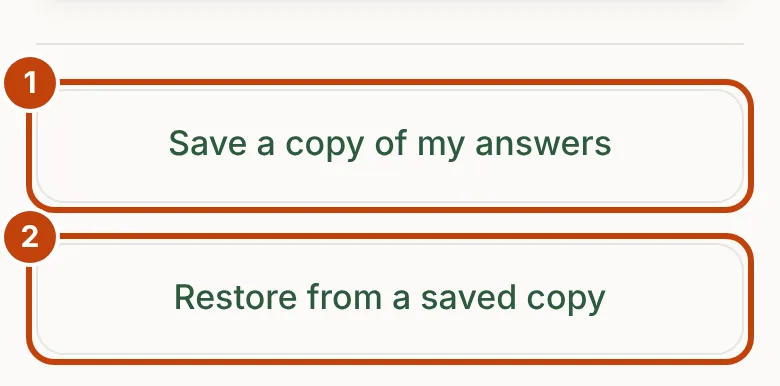
Open Your data and choose Save a copy of my answers. In the TestFlight and Google Play versions, your phone's share or save-to-files screen opens so you can choose where the file goes; in the web version, your browser downloads it.
Pollinate doesn't upload the file automatically, and receives a copy only if you send it. Anyone you share the file with can read it.
What's in a saved copy?
The app's settings for your child: the age range, the optional name, your setup answers, the ideas suggested and saved, your feedback choices and app version details. It also includes local technical history (such as when the app was opened, storage-check results, setup timing and activity interactions) and a locally generated child reference.
It never includes browser history, contacts or photos.
How do I move Pollinate to a new phone?
Don't rely on your phone's backup: the TestFlight and Google Play versions exclude their app data from iCloud and Android device backups. Instead:
- On your old phone, choose Your data › Save a copy of my answers and keep the file somewhere you can reach from the new phone.
- Install Pollinate on the new phone.
- On the new phone, choose Your data › Restore from a saved copy and pick the file.
If you haven't saved a copy, there's no other way to bring your answers across, so it's worth saving one from time to time.
How do I delete my answers?
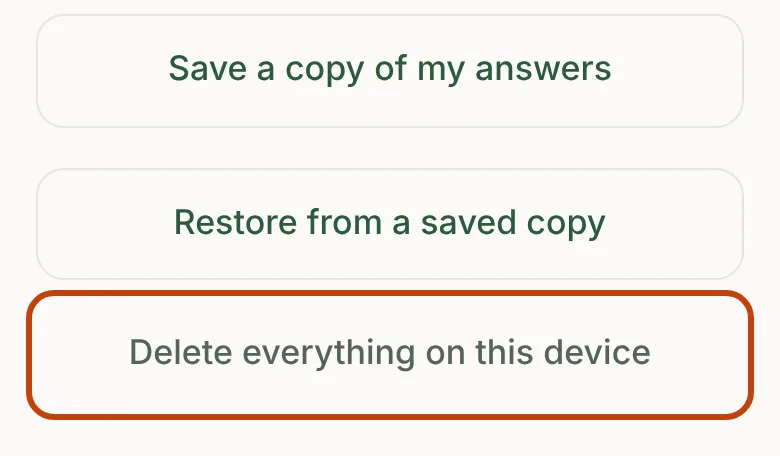
Open Your data and choose Delete everything on this device. That clears the app's current answers and its recovery copy. Uninstalling Pollinate also removes the information held inside it. Copies you saved or sent elsewhere stay where you put them, so delete those separately.
If you're testing Pollinate, please don't use Delete everything during the test; reply to Tom's invitation email instead. To have the emails and files you've sent deleted from Pollinate's inbox and tools, email hello@pollinatebloom.com.
What does the app never collect?
The app never asks for your name, email address, phone number or home address. It doesn't use your location, camera or microphone, and it never reads your contacts, photos or browsing history. There are no analytics, advertising or tracking tools in the app.
To run the test, Pollinate LLC keeps your name and email address and the emails you send, outside the app. The Privacy Policy explains how long.
Does Pollinate show ads or sell my information?
No. There are no ads in Pollinate. Pollinate LLC doesn't sell, rent or trade information about you or your child, and doesn't share it for advertising. This website doesn't set cookies or use analytics or tracking.
Is Pollinate meant for children to use?
No. Pollinate is for parents and caregivers aged 18 or older and isn't directed to children. The app asks the adult for a child's age range, a few play preferences and, optionally, a first name or nickname.
If you believe a child has sent Pollinate information, email hello@pollinatebloom.com and Pollinate will delete it from its records.
What do Apple and Google share when I test Pollinate?
Some test information reaches Pollinate through each store. Apple shares things like the email address you were invited with and your name, your device model and system version, crash logs, usage information such as how often the app is opened, and feedback you send through TestFlight. Google Play may share device and app usage information, performance and crash information, and private feedback you send through Play.
Pollinate uses it to run the test and improve Pollinate. The Privacy Policy has the details.
Problems and feedback
What does "Something's wrong" do?
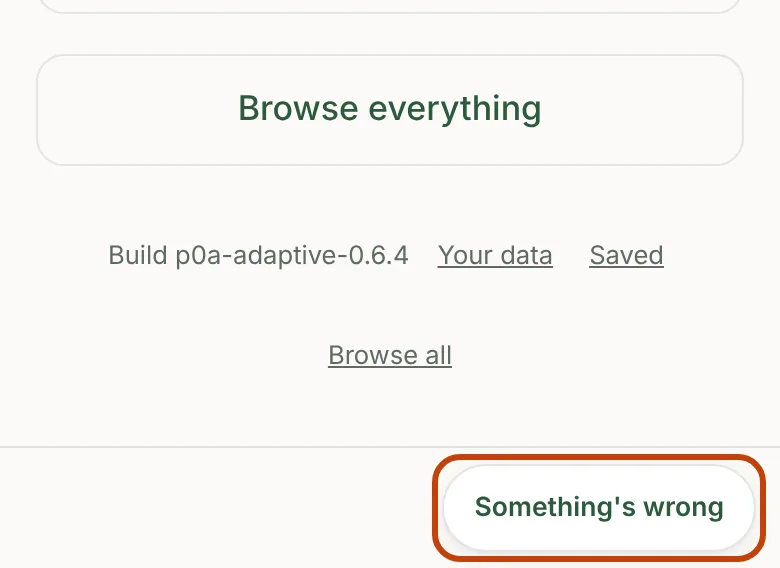
It opens a draft email in your own email app, addressed to Tom, with a few helpful details already filled in. You can read, change or delete anything in the draft, and nothing is sent unless you tap Send.
What's in a problem report?
The app version, the part of the app you were on, whether saving works, the result of the app's storage check, how many setup answers are recorded, and your browser's or phone's description of your device, which can include your phone model and system version.
It doesn't include your child's name, age range or your answers.
What should I include when I report a problem?
- What you tapped, what happened, and what you thought would happen.
- Your phone model and system version. iPhone: Settings › General › About. Android: Settings › About phone.
- The app version, shown at the bottom of the app.
- How you installed Pollinate: TestFlight, Google Play or the web version.
- A cropped screenshot, if you can, with names, phone numbers, family photos, notifications and passwords cropped out.
An activity looks unsafe. What should I do?
Don't try it. Email hello@pollinatebloom.com so it can be looked at. If a child has been hurt, get medical help first.
My saved answers disappeared. What should I do?
Stop and email hello@pollinatebloom.com before setting up again. If you saved a backup copy, mention it.
I can see someone else's information. What should I do?
Stop using Pollinate and email hello@pollinatebloom.com right away.
How do I stop testing or have my information deleted?
Email hello@pollinatebloom.com; no explanation is needed. Your test record will be closed and the emails and files you've sent will be deleted from Pollinate's inbox and tools. Copies you saved or sent elsewhere, and information Apple, Google or the website host keep under their own policies, are separate.
If you want the app's answers gone from your phone, uninstalling Pollinate removes the copies held inside it.
Safety and development
I have a question or worry about my child's development.
It's natural to wonder. Pollinate isn't a way to check how your child is doing, and it doesn't evaluate or diagnose any child. Your pediatrician or another qualified professional is the right person to talk with about your child's health or development.
Do I need to supervise the activities?
Yes. Every activity is meant to be done with an adult. Stay with your child and supervise them throughout. You know your child best: skip or change any idea that doesn't suit your child, your space or the moment.
Which materials are safe to use?
Only use materials that are safe for your child's age. Watch for choking hazards and small parts, especially with children under 3, and check that items are clean, sturdy and free of sharp edges.
What if my child is hurt or swallowed something?
If your child is choking, isn't breathing, is unresponsive, is seriously hurt, or may have swallowed something harmful such as a button battery, magnet, medicine or cleaning product, call 911 now. For a possible poisoning you can also call Poison Control at 1-800-222-1222 (US).
Contact
How do I contact Pollinate?
Email hello@pollinatebloom.com. If you're a tester, you can also reply to your invitation email. Tom reads every message and replies as soon as he can.
Still need help?
Email hello@pollinatebloom.com. If you're a tester, you can also reply to your invitation email. Tom reads every message and replies as soon as he can.