How do I delete my answers?
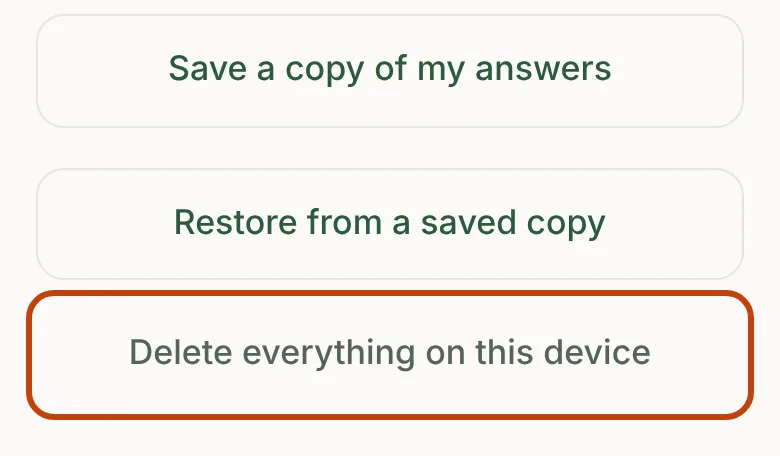
Open Your data and choose Delete everything on this device. That clears the app's current answers and its recovery copy. Uninstalling Pollinate also removes the information held inside it. Copies you saved or sent elsewhere stay where you put them, so delete those separately.
If you're testing Pollinate, please don't use Delete everything during the test; reply to Tom's invitation email instead. To have the emails and files you've sent deleted from Pollinate's inbox and tools, email hello@pollinatebloom.com.
More about your data and privacy
- Do I need an account?
- Where are my answers kept?
- Can my partner see our answers on their phone?
- How do I save a copy of my answers?
- What's in a saved copy?
- How do I move Pollinate to a new phone?
- What does the app never collect?
- Does Pollinate show ads or sell my information?
- Is Pollinate meant for children to use?
- What do Apple and Google share when I test Pollinate?
Still need help?
Email hello@pollinatebloom.com. If you're a tester, you can also reply to your invitation email. Tom reads every message and replies as soon as he can.